Chrome extension · free, with a paid tier
Your saves, on one shelf.
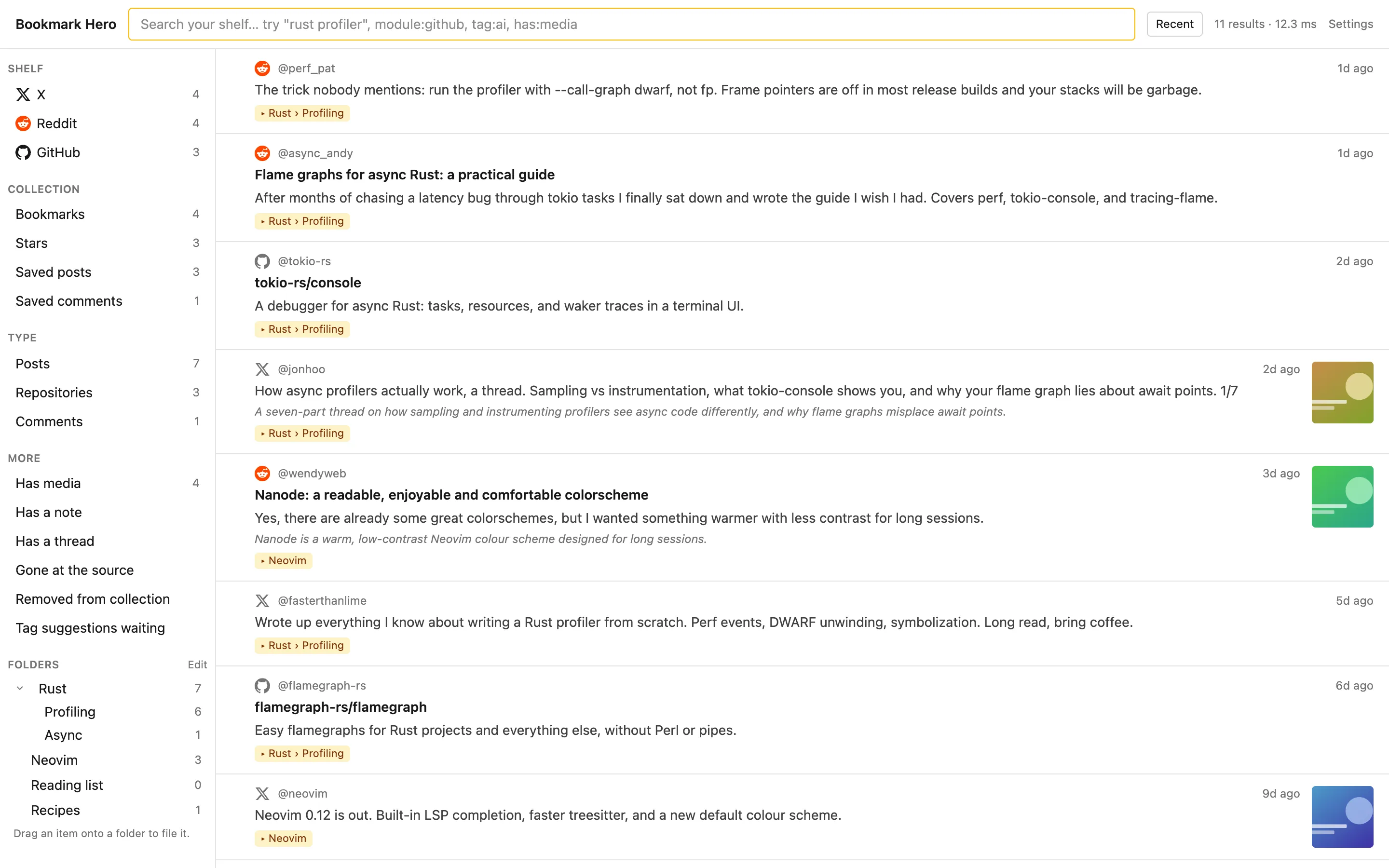
Bookmark Hero collects your X bookmarks, Reddit saves, and GitHub stars while you browse, keeps a copy that outlives the original, and makes all of it searchable. In your browser, nowhere else.
No account. No API keys. Nothing leaves your browser.
X
Bookmarks and likes
Saved posts, comments, upvotes
GitHub
Starred repositories
The problem
The sites keep your saves for you. Until they don’t.
Gone
Deleted means deleted.
When a post you bookmarked is deleted, or its author leaves, it vanishes from your bookmarks too. The sites keep a pointer, not a copy.
1,000
Reddit’s quiet limit.
Reddit shows your most recent thousand saves. Everything older is still yours, and impossible to reach.
Three
Three sites, three piles.
A thread on X, a guide on Reddit, the repository on GitHub: one subject, three places to forget it. None of them searches the way you remember things.
Bookmark Hero keeps a copy the moment you save: the text, the pictures, the links, the post it quoted, the author’s thread. One shelf, one search, and the copy is yours even after the original is gone.
Nothing to set up
Install it, switch on a site, and browse like you always do.
- 1
Install
Add the extension from the Chrome Web Store. There is no account to create.
- 2
Switch on a site
One switch per site, and the extension asks for access to that site only. Switch it off and the access goes with it.
- 3
Browse as usual
Every bookmark, save, and star shows up on your shelf by itself, using the login your browser already has. The first time, it walks back through your history at a polite pace.
Search
Find it the way you half remember it.
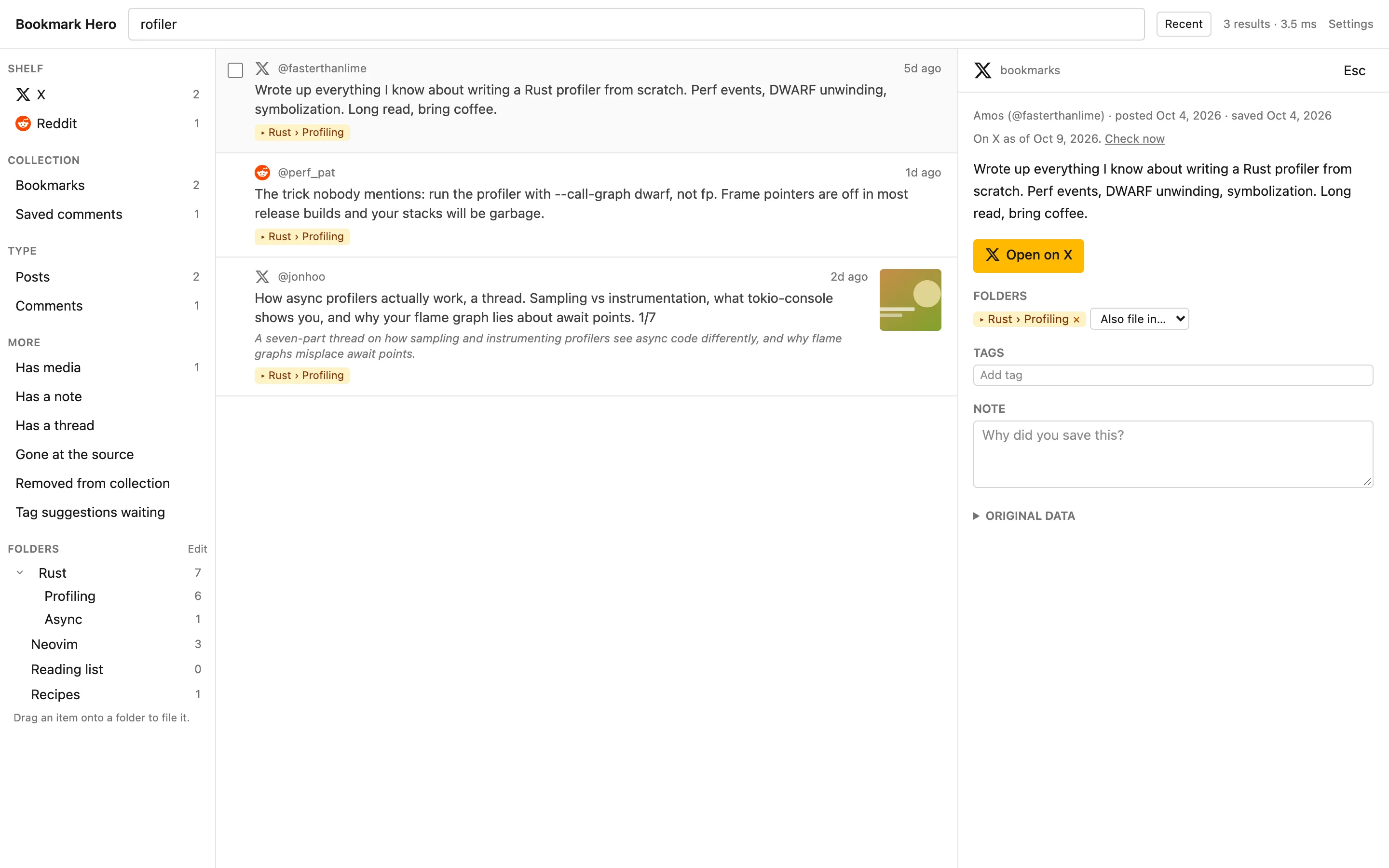
Search matches inside words, so part of a name is enough. Filter by site, collection, type, author, folder, tag, date, or whether it has pictures. Press Ctrl+Shift+K from any page, or type bh and a space in the address bar.
Folders and tags
Your folders, your words.
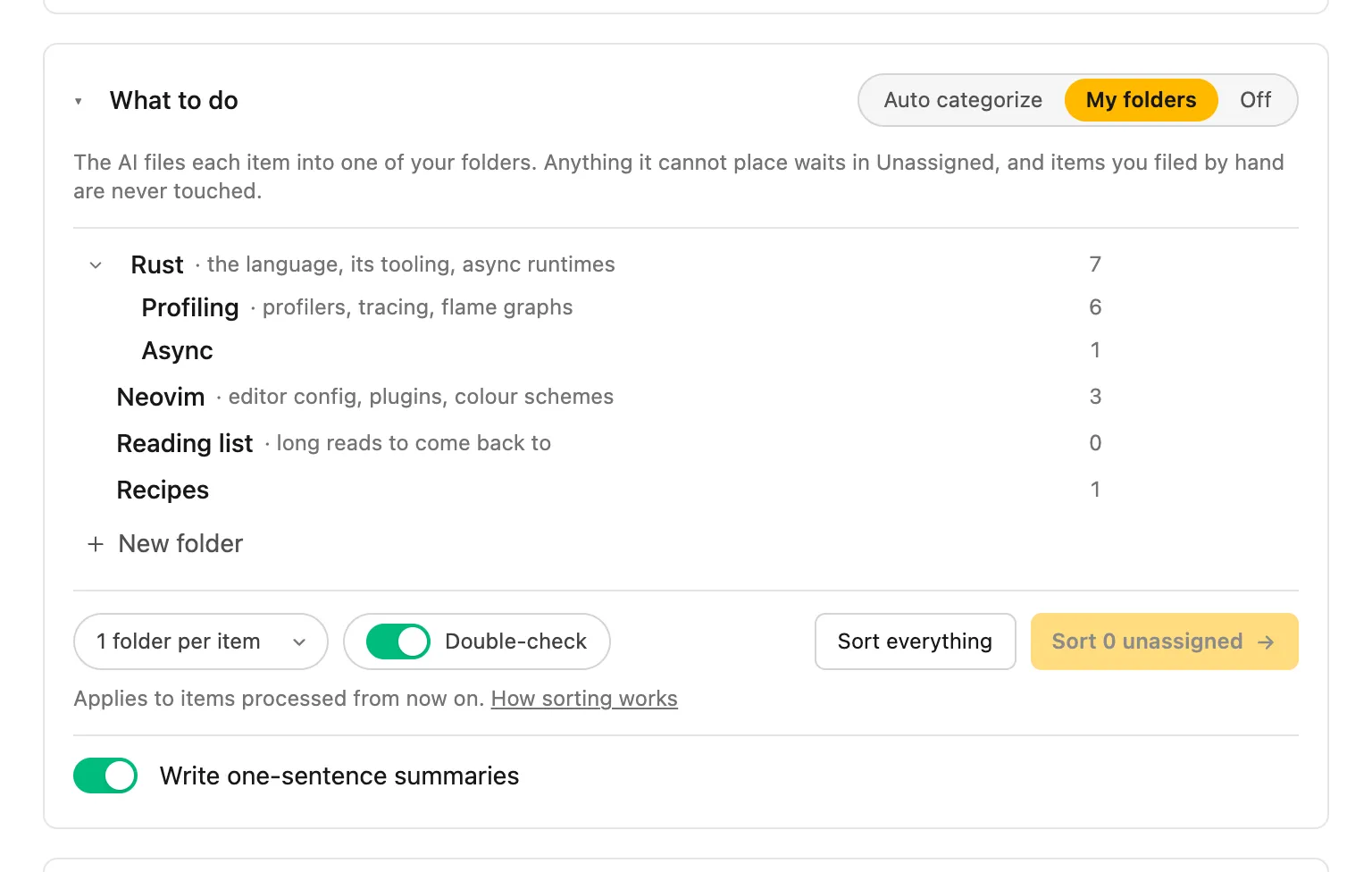
Design a folder tree, give each folder a line about what belongs in it, and file items by dragging them in. With the paid tier the AI reads those lines and files new saves for you, double-checking look-alikes, and never touching anything you filed yourself.
Kept
A copy that outlives the original.
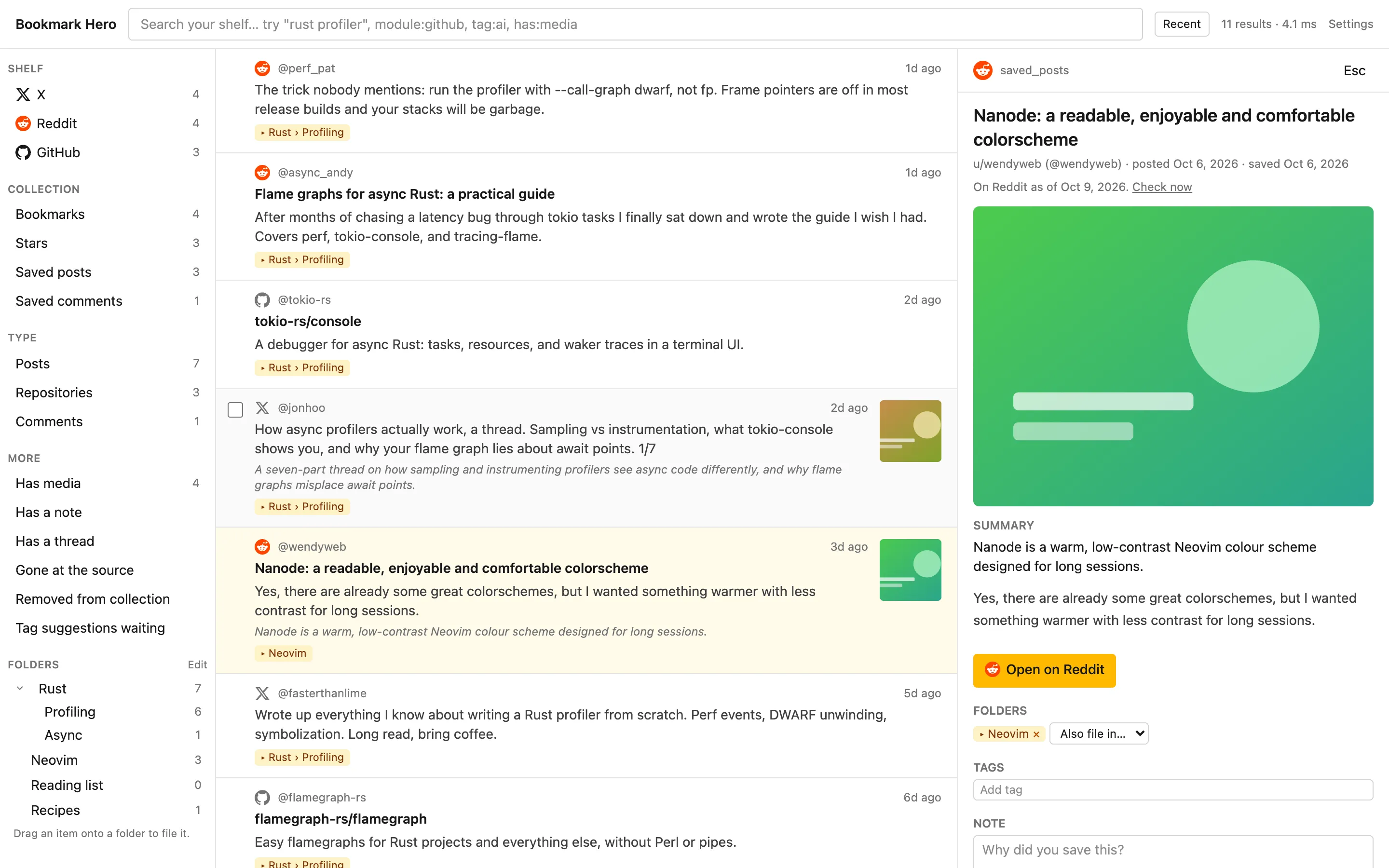
Every save is stored with its text, pictures, links, the post it quoted, and the author’s thread. The shelf re-checks the source now and then and tells you when something disappeared, and your copy stays exactly as it was.
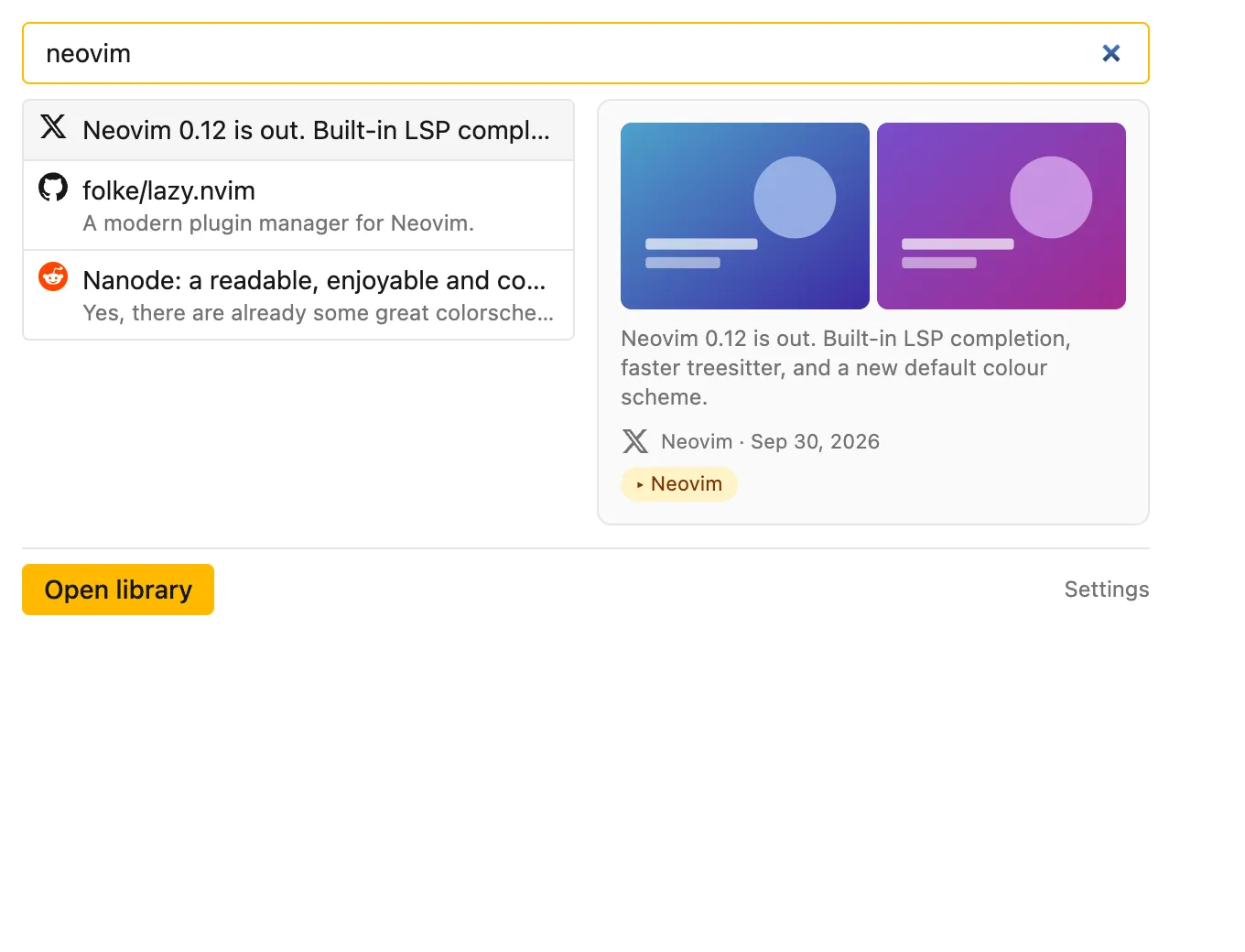
Everywhere
One click away from any page.
The toolbar popup searches the whole shelf and previews what it finds. Add tags and notes, sort by what you saved or when it was posted, and export everything as JSON, CSV, Markdown, or a bookmarks file.
Paid tier
On your shelf the moment you save.
With a licence, clicking Save, Bookmark, or Star on the site puts the item on your shelf within seconds, and undoing it takes it off again. The AI files and summarises with a provider you choose, or a model running on your own machine, so there is no usage bill from us.
See pricing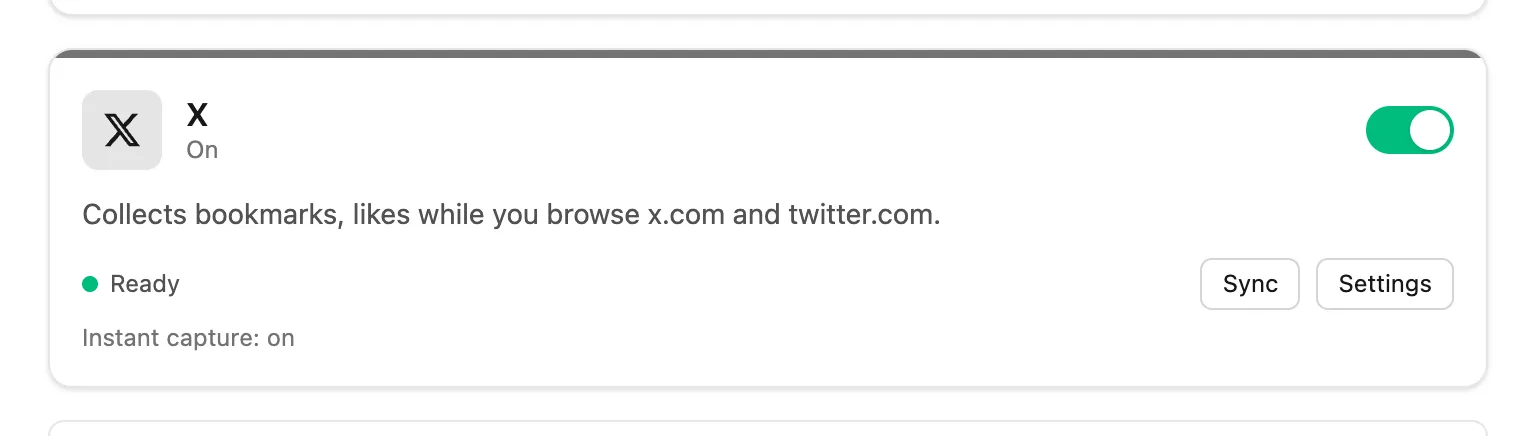
Promises
What Bookmark Hero never does.
It is your library. We built it so that we could not read it if we wanted to.
- Noaccount, for the free extension.
- Noserver with your saves on it.
- Noanalytics or telemetry, in the extension or on this site.
- Noads, and nothing sold or shared.
- Nolock-in: export everything in open formats, any time.
Pricing
Free for the shelf. Paid for the help.
Everything that keeps your saves is free, for good. The paid tier adds the AI and instant capture. One licence covers three browsers.
Free
$0
- ✓X, Reddit, and GitHub, with history import
- ✓Copies that outlive the original
- ✓Search, filters, folders, tags, notes
- ✓Export in open formats
- ✓Nothing leaves your browser
Pro
$4 / month
or $36 a year, or $79 once
- ✓Everything in Free
- ✓AI tags, summaries, and filing into your folders
- ✓Your own provider key, or a local model: no usage bill from us
- ✓Instant capture: on the shelf the moment you click Save
- ✓Three browsers per licence
Prices in USD; tax is added at checkout where it applies. Subscriptions cancel any time and run to the end of the period. Lifetime is refundable for 30 days.
Questions
Answers, briefly.
Do I need an account?
No. Install the extension, switch on a site, and browse. The free extension never asks for anything. A paid licence is a key you paste in once.
Where does my data go?
Nowhere. The library lives in your browser. We run no server that receives, stores, or can see your saves, searches, tags, or notes. Export everything in open formats whenever you like.
How does it read my saves without an API key?
It reads them the way the site’s own page does, with the login your browser already has, at a polite pace. Nothing is written to the site, and nothing is fetched about items you did not save.
What happens when a post I saved is deleted?
Your copy stays, with its text, pictures, links, the post it quoted, and the author’s thread. The shelf shows when it disappeared from the site.
Which AI providers can I use?
Anthropic, OpenAI, or anything that speaks the OpenAI chat API on your own machine: Ollama, LM Studio, Jan, LocalAI, llama.cpp, vLLM. You bring the key or run the model; nothing goes through us.
What is in the paid tier?
Two conveniences on top of a complete free extension: the AI tags, summarises, and files items into your folders, and a save lands on the shelf the moment you click the site’s own button instead of at the next sync. One licence covers three browsers.
Which browsers?
Chrome and Chromium browsers such as Edge, Brave, Arc, and Opera. Firefox is being tested.
More on the support page.
Start the shelf today.
Install, switch on a site, and the next thing you save is already there. The ones you saved years ago follow.
Get the extension